Core Web Vitals Survival Guide: The Toolkit You Need to Pass in 2026
1. Executive Summary
In 2021, Google made a historic shift. They stopped ranking sites solely on content relevance and began ranking them on user experience.
This initiative is called Core Web Vitals (CWV).
Think of CWV as the medical vital signs of your website: Pulse, Blood Pressure, and Reflexes.
Passing these vitals is no longer optional for serious publishers.
It is the baseline for survival in an AI-saturated web.
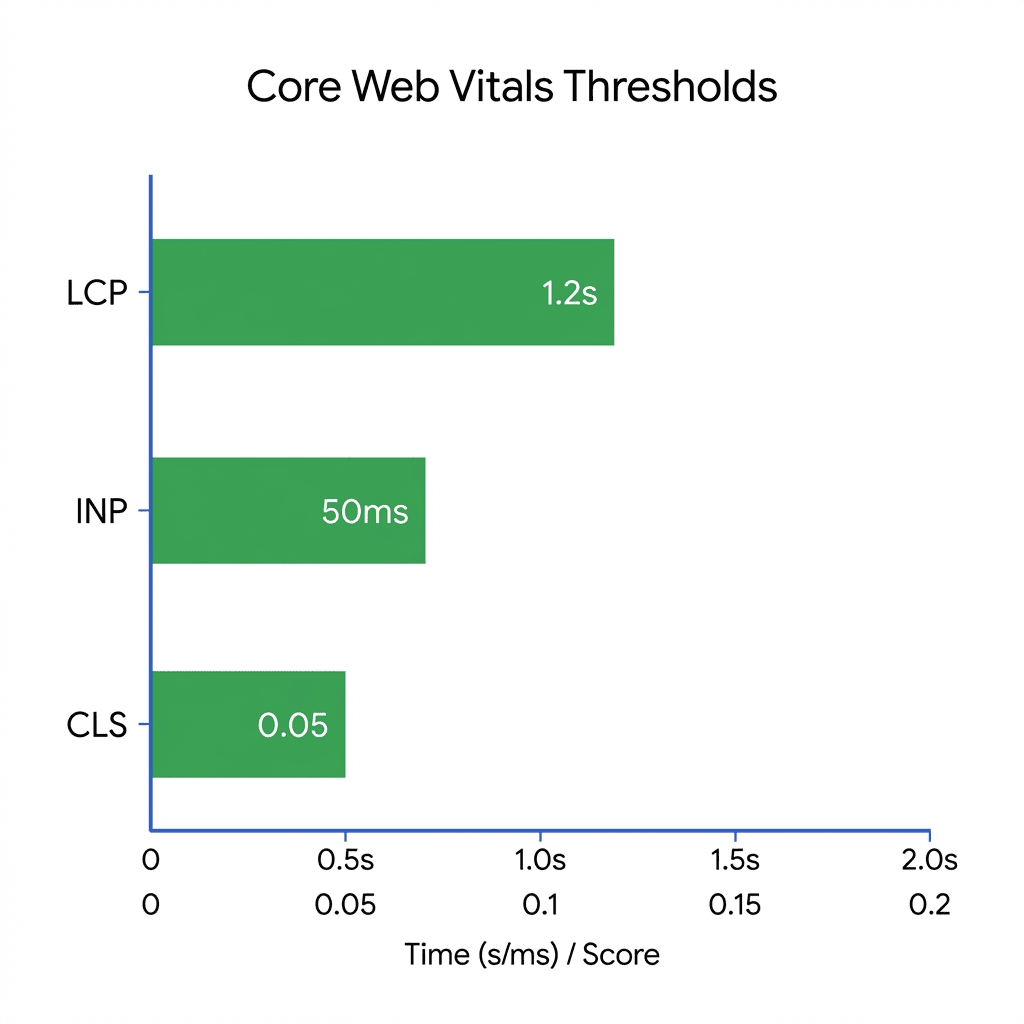
The metrics are: LCP (Loading), CLS (Stability), and INP (Interactivity).
2. The Diagnosis: Decoding the Vitals
To cure a patient, you must understand the physiology.
Let's strip away the developer jargon and look at the clinical reality of each metric.
Vital #1: LCP (Largest Contentful Paint)
The "First Impression" Metric.
LCP measures how long it takes for the most important element (usually the hero image or H1 title) to become visible.
Passing Score: < 2.5 seconds.
Failing Score: > 4.0 seconds.
Clinical Insight: If your LCP is slow, the user is staring at a blank white screen. This is the #1 cause of bounce rates. A user will wait 1 second. They might wait 2. They will not wait 4.
Vital #2: CLS (Cumulative Layout Shift)
The "Visual Vertigo" Metric.
CLS measures how much the page jumps around while loading.
Have you ever tried to click a news article, only for an ad to pop in and push the text down, causing you to click the wrong link?
That is high CLS.
Passing Score: < 0.1.
Clinical Insight: CLS destroys trust. It makes your site feel "janky" and cheap. It is distinct from speed; a fast site can still have terrible layout shifts.
3. The Symptoms of Failure
How do you know if your vitals are failing without looking at a report?
The patient (your website) will exhibit specific symptoms.
- The "Rage Click": Users clicking the same button multiple times because the site feels unresponsive (High INP).
- The "Scroll Jitter": Users scrolling down, then abruptly scrolling back up because an image loaded late and pushed content away (High CLS).
- Keyword Stagnation: You write great content, get backlinks, but your ranking is stuck on Page 2. Google is likely suppressing you due to poor page experience.
4. The Treatment Plan
We prescribe a targeted intervention for each metric.
These are not general "speed tips."
They are surgical procedures.
💊 Rx for LCP: Preload the Hero
Your LCP element (usually the top image) is stuck in traffic behind your CSS and JS files.
Rx: Add ` <link rel="preload" as="image" href="...">` to your ` <head>`. This tells the browser to fetch the hero image immediately, ignoring the queue.
💊 Rx for CLS: Reserve Aspect Ratios
Layout shifts happen because the browser doesn't know how big an image or ad will be until it downloads.
Rx: Always add `width` and `height` attributes to every `<img>` and video tag. For ad slots, hard-code a `min-height` CSS rule for the container so space is reserved *before* the ad loads.
💊 Rx for INP: Break Up Long Tasks
Your main thread is clogged with large JavaScript tasks (hydration, tracking, third-party chat).
Rx: Use `yieldToMain()` strategies or simply remove heavy third-party scripts. If a script takes >50ms to execute, it is blocking user interaction.
5. Clinical FAQs
Do I need a perfect 100 score?
No. You effectively "pass" at 90. The difference between 90 and 100 is diminishing returns. However, the difference between 50 (Red) and 90 (Green) is massive for SEO.
Is Mobile more important than Desktop?
Yes. Google evaluates your site using its mobile crawler. If your desktop score is 99 but mobile is 45, you are failing. Focus 100% of your effort on mobile LCP.
What is the hardest metric to fix?
INP (Interactivity). Unlike LCP or CLS which are often visual fixes, INP usually requires refactoring JavaScript logic or removing expensive plugins, which is deeper engineering work.
Does caching fix everything?
No. Caching improves TTFB (Server Response Time), which helps LCP. But caching does nothing for CLS (layout shifts) or INP (script execution delay). It is only one part of the cure.
How often does Google update my score?
Google's CrUX (Chrome User Experience Report) data is a 28-day rolling average. If you fix your site today, you won't see the full "Green" validation in Search Console for about 3-4 weeks.