Hosting Security 101: Why Cheap Hosting Risks Your SSL & Data Compliance
1. Executive Summary
Security is often viewed as a binary state: You are either hacked or you are safe.
This is a dangerous oversimplification.
In the modern web, security is a performance metric.
If you are hosting your business on a $2.99/mo shared plan, you are not just risking a data breach. You are actively degrading your user experience through slow SSL handshakes and "Bad Neighborhood" IP reputation.
Cheap hosting is not a cost-saving measure.
It is a liability.
2. The Diagnosis: The "Shared" Risk
To understand the infection, we must look at the environment.
Shared hosting places your website on a single server with thousands of other customers.
You share the Operating System, the File System, and most critically, the IP Address.
Risk #1: The Bad Neighborhood Effect
Your IP address has a "Reputation Score" with Google and email providers.
If "Site A" on your shared server sends out 10,000 spam emails, the IP address gets blacklisted.
Since you share that IP, your emails now go to spam.
Clinical Insight: You are guilty by association. You can have perfect security practices, but if your neighbor is a malware distributor, your SEO and Email Deliverability will tank.
Risk #2: The SSL "Handshake Hang"
Every HTTPS connection requires a cryptographic handshake.
This takes CPU power.
On an overloaded shared server, the CPU is busy processing PHP scripts for 500 other sites.
Your user's browser sends a "Hello," and the server waits 1.5 seconds to respond.
This latency is perceived as a broken site.
3. The Symptoms of Infection
How do you know if your hosting is compromising your security?
- "Not Secure" Warnings: Intermittent browser warnings even though you have an SSL certificate.
- Email Deliverability Issues: Client emails landing in Junk/Spam folders despite valid SPF/DKIM records.
- Random Redirects: Users being redirected to spam sites (indicative of a server-level malware injection).
- Slow Time-to-First-Byte: High server response times specifically on HTTPS connections.
4. The Treatment Plan
Security is not a plugin.
It is infrastructure.
You cannot "plugin" your way out of a bad server.
💊 Step 1: Isolation (VPS/Cloud)
The only cure for the "Bad Neighborhood" is to move.
Rx: Upgrade to a Virtual Private Server (VPS) or Managed Cloud (Cloudways/Kinsta). This gives you a dedicated IP address. Your reputation is yours alone.
💊 Step 2: The Firewall (WAF)
Your server should not be the first line of defense.
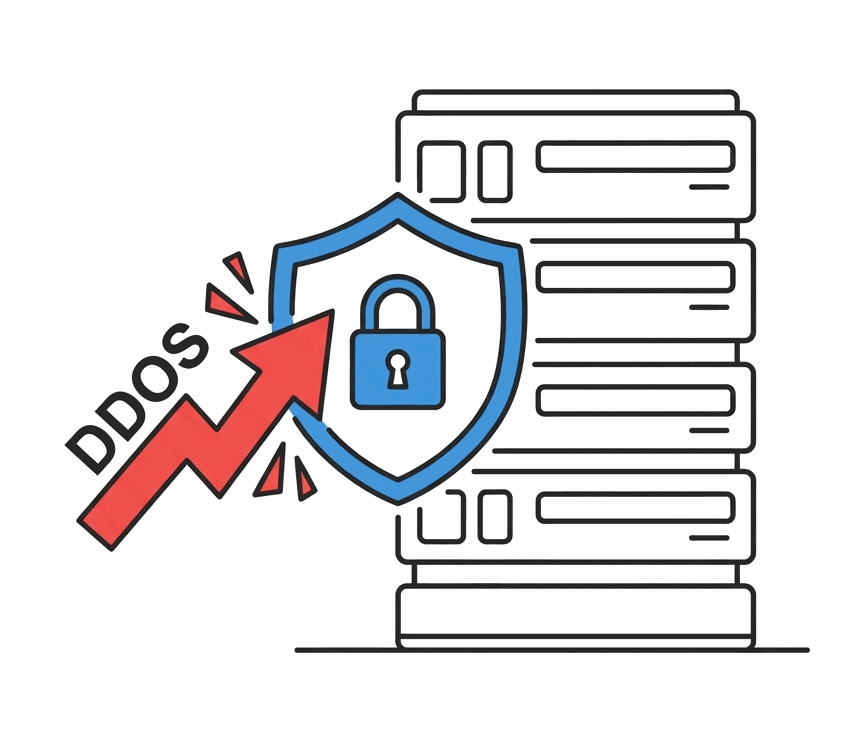
Rx: Implement a Web Application Firewall (WAF) like Cloudflare. This sits *in front* of your server and blocks malicious traffic (SQL Injection, DDoS) before it ever hits your hosting.
💊 Step 3: Automated Patching
Human error is the biggest vulnerability.
Rx: Use a managed host that handles OS and PHP updates automatically. Do not rely on "remembering" to update your server.
5. Clinical FAQs
Is a "Free SSL" enough?
Yes. For encryption, a free Let's Encrypt certificate is mathematically identical to a paid one. However, the *speed* at which your server processes that encryption is what matters for SEO.
Does a Dedicated IP help SEO?
Indirectly. A dedicated IP protects your email deliverability and prevents you from being blacklisted due to "Bad Neighbors." It is a stability factor, ensuring your site remains trusted by Google.
What is a "Managed" host?
A security team. A managed host (like Kinsta or WPEngine) handles server security, backups, and updates for you. Unmanaged hosts (like DigitalOcean droplets) leave you to secure the server yourself via command line.
Can I use a security plugin instead?
No. Security plugins (like Wordfence) run *on* your server. If your server is overwhelmed, the plugin fails. A WAF (like Cloudflare) runs *before* the server, which is far superior.
How do I check my IP reputation?
Use tools like MXToolbox or Spamhaus to check if your server's IP is on any blacklists. If it is, contact your host immediately or request a new IP.