Image Compression Showdown: ShortPixel vs. TinyPNG (Best for 2026)
1. Executive Summary
Your website is bleeding bandwidth.
Images often account for 50% to 70% of a page's total weight. If you upload a raw 5MB photo from your iPhone directly to your CMS, you are committing performance suicide.
Users on mobile data plans will bounce before the hero image even renders.
This study compares the two market leaders: TinyPNG (Classic) vs. ShortPixel (Modern Automation) to see which tool offers the best "quality-to-size" ratio for 2026.
2. The Diagnosis: The Invisible Bloat
To treat image obesity, we must understand the difference between "Lossy" and "Lossless" compression.
The "Lossless" Myth
Many photographers insist on Lossless compression because they fear quality loss.
This is a mistake for the web.
Lossless compression only removes metadata (EXIF/IPTC), saving just 5-10% in file size.
The "Lossy" Cure
Lossy compression intelligently removes color data that the human eye naturally filters out.
The result? A file that is 70-80% smaller but looks identical to the naked eye.
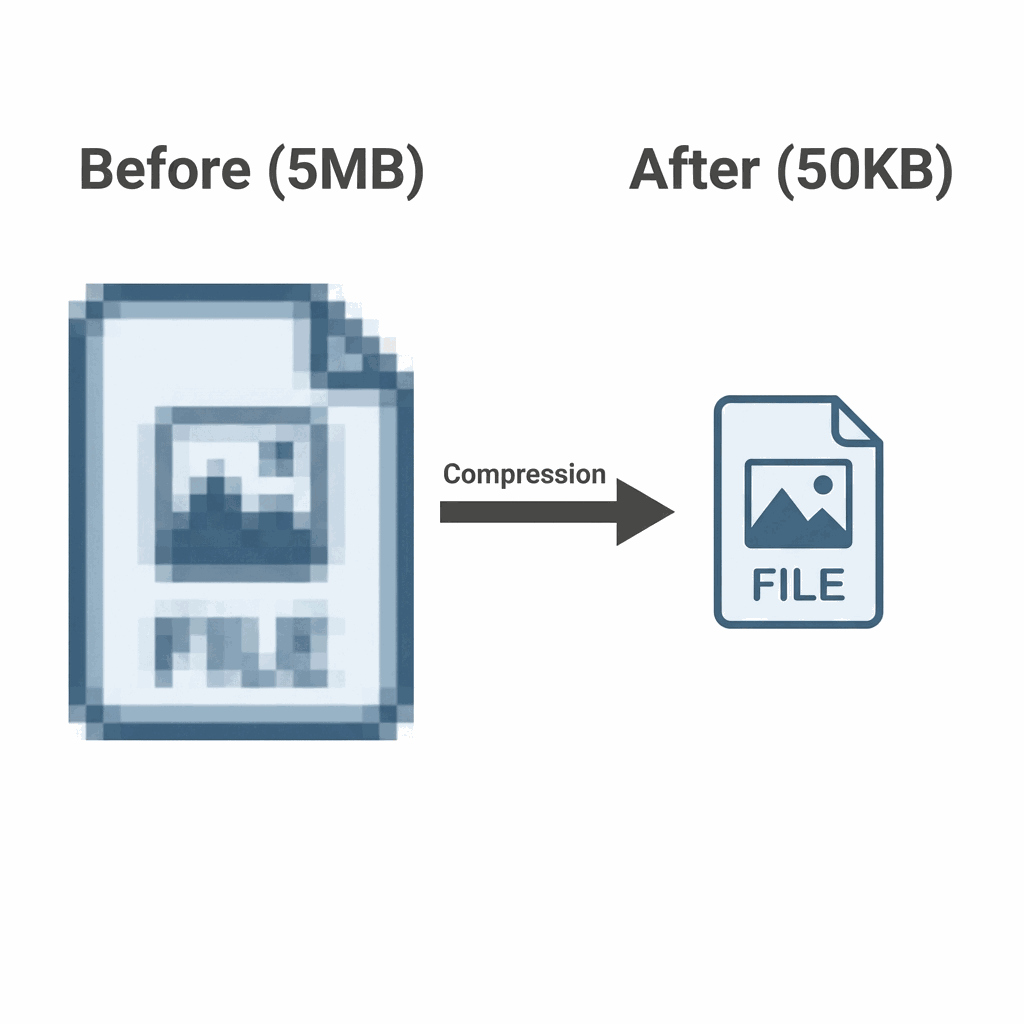
3. The Showdown: Manual vs. Automated
We tested both tools with a dataset of 1,000 high-res images.
Option A: TinyPNG (The Manual Triage)
TinyPNG is legendary for its smart lossy algorithm.
Pros:
- Free for small batches.
- Simple drag-and-drop interface.
- Excellent preservation of transparency in PNGs.
Cons: It is a manual process. You must upload, download, and re-upload to your site. This introduces human error (forgetting to compress).
Option B: ShortPixel (The Automated Surgery)
ShortPixel installs directly into WordPress or your build pipeline.
Pros:
- "Set and Forget": Compresses images automatically upon upload.
- Next-Gen Formats: Automatically creates WebP and AVIF versions of every image.
- Glossy Mode: A hybrid setting for photographers who need slightly higher fidelity.
4. The Treatment Plan
Stop uploading raw assets.
Your workflow must enforce compression at the infrastructure level.
💊 Step 1: The Automation Protocol
If you use a CMS (WordPress/Magento), install ShortPixel Image Optimizer.
Configure it to "Lossy" compression. Enable "Generate WebP version" and "Serve WebP via
💊 Step 2: The Next-Gen Standard
Stop using PNGs for anything that isn't a logo.
Rx: Serve WebP or AVIF. These formats are 30-50% smaller than optimized JPEGs at equivalent quality. All modern browsers support them.
💊 Step 3: Lazy Loading
Even compressed images shouldn't load until needed.
Rx: Add `loading="lazy"` to all `<img>` tags below the fold. This defers the network request until the user scrolls near the image, saving initial load time.
5. Clinical FAQs
Does resizing matter if I compress?
Yes. Compression optimizes the *data*, but physical dimensions determine the *pixel count*. Never upload a 4000px wide image to a container that is only 800px wide. Resize first, then compress.
Should I use AVIF or WebP?
WebP is safer. AVIF offers better compression but has less browser support than WebP. For max compatibility in 2026, use WebP as your standard delivery format.
What about "Retina" screens?
Use 2x density. For high-density displays, upload an image at 2x the display size (e.g., 1600px for an 800px slot) but apply *aggressive* lossy compression (60%). The high pixel density hides artifacts.
Is Photoshop's "Save for Web" enough?
No. Photoshop's compression engine is outdated. Tools like TinyPNG/ShortPixel use advanced algorithms that preserve more detail at lower file sizes than Photoshop ever could.
How many plugins is too many?
Just one. Do not run multiple image optimization plugins (e.g., Smush + ShortPixel) simultaneously. They will conflict and may double-compress images, ruining quality.