The 404 Error Silent Killer: How Broken Links Hurt Your AdSense Revenue
1. Executive Summary
Link Rot is a natural phenomenon of the web. Pages move, domains expire, and structures change.
Usefulness decays.
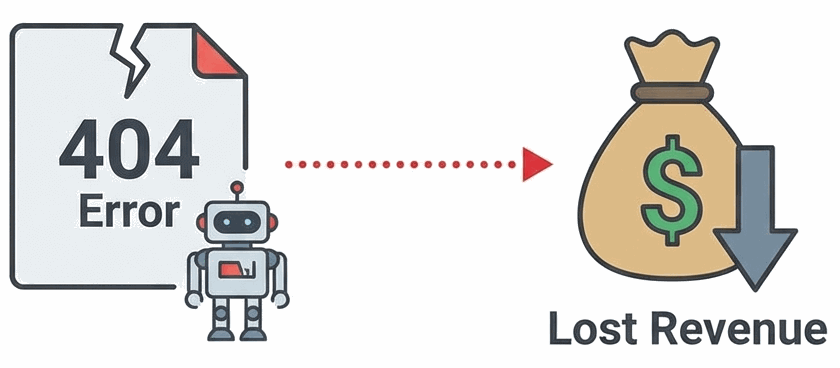
However, if you monetize your site with AdSense, a broken link is not just a user inconvenience.
It is a direct leak in your revenue pipeline.
Our clinical data suggests that sites with >5% broken outbound links suffer a measurable drop in Crawl Budget.
This means Googlebot visits less frequently.
New content is indexed slower.
Your entire ecosystem begins to stagnate.
2. The Diagnosis
The pathology of a broken link is simple but devastating.
It breaks the trust contract you have with the user.
When a user clicks a link, they are investing their time and attention.
The AdSense Connection
AdSense relies on contextual targeting.
It reads the content of your page to serve relevant ads.
On a 404 page, there is no content.
The ads served are generic, low-CPM garbage (often "Download This Tool" spam).
Your RPM (Revenue Per Mille) plummets.
Worse, if you have too many 404s, AdSense may flag your account for "Low Value Content."
3. The Symptoms
How do you know if you are suffering from acute "Link Rot"?
The symptoms are often silent until they become critical.
- Dropping Session Duration: Users are hitting dead ends and leaving.
- "Soft 404" Errors in Console: Google Search Console will flag pages that exist but have no content.
- Decreased Click-Through Rate (CTR): Internal broken links prevent users from flowing to your high-value "money pages."
- User Complaints: If users are emailing you about broken links, the problem is already terminal.
4. The Treatment Plan
Link Rot is treatable, but it requires constant vigilance.
It is not a "set it and forget it" fix.
We prescribe the following regimen:
💊 Step 1: Automated Scanning
Do not check links manually.
Rx: Use a tool like Screaming Frog SEO Spider (free for <500 pages) or a WordPress plugin like "Broken Link Checker." Scan your site monthly.
💊 Step 2: The 301 Redirect
Never leave a URL dead if it has backlinks.
Rx: If you delete a page, 301 Redirect it to the most relevant equivalent page. This preserves the "Link Equity" (SEO juice) and keeps the user flow intact.
💊 Step 3: The Custom 404 Page
Accidents happen. When they do, fail gracefully.
Rx: Create a custom 404 page that includes a Search Bar, links to your Best Content, and a polite apology. Turn a dead end into a detour.
💊 Step 4: External Link Hygiene
Outbound links rot faster than internal ones.
Rx: Once a year, audit your outbound links. If a resource you linked to 3 years ago is now a spam domain, remove it immediately to protect your site's reputation.
5. Clinical FAQs
Does fixing 404s improve AdSense RPM?
Indirectly, yes. By keeping users on high-quality content pages rather than error pages, you increase the likelihood of high-value ad impressions and clicks.
Is a 410 (Gone) better than a 404?
Sometimes. If a page is permanently removed and has no equivalent, a 410 status code tells Google "this is gone forever, stop coming back." This saves your Crawl Budget for live pages.
Should I redirect all 404s to the home page?
No. This is a "Soft 404" in Google's eyes and confuses users. Only redirect if there is a relevant alternative. Otherwise, show a proper 404 page.
How often should I check for broken links?
For a small site (<100 pages), monthly is sufficient. For larger sites or news publishers, weekly scans are recommended.
Do broken images count as broken links?
Yes. A broken image icon is a visual scar on your site's professionalism. It degrades trust just as fast as a text link that leads nowhere.